What Should a Campsite Website Include?
Running a campsite comes with plenty to think about.
Pitches, facilities, bookings, weather—and the occasional guest who arrives without reading a single instruction.
Your website should make life easier, not add another complicated job to the list.
A good campsite website helps potential guests picture their stay, find the information they need and book without having to send five separate questions first.
The good news?
It doesn’t need to be enormous.
Here’s what every campsite website should include.
1. A Clear and Welcoming Homepage
Your homepage should quickly tell visitors:
What kind of campsite you run
Where it is
Who it is suitable for
How they can check availability or book
Your headline can have personality, but visitors should still understand what you offer and where you are.
For example:
Escape from the ordinary.
Peaceful countryside camping in Shropshire, with spacious pitches, woodland walks and dog-friendly stays.
The headline creates a feeling, while the supporting sentence gives visitors the information they need.
You can be creative without making people guess.
2. Photos That Show What Staying There Feels Like
People want to picture their stay before they book.
Use clear, genuine photographs of:
The pitches
Tents, pods or accommodation
Toilets and shower facilities
Views around the site
Communal areas
Nearby walks and attractions
Try to show the campsite as it really is.
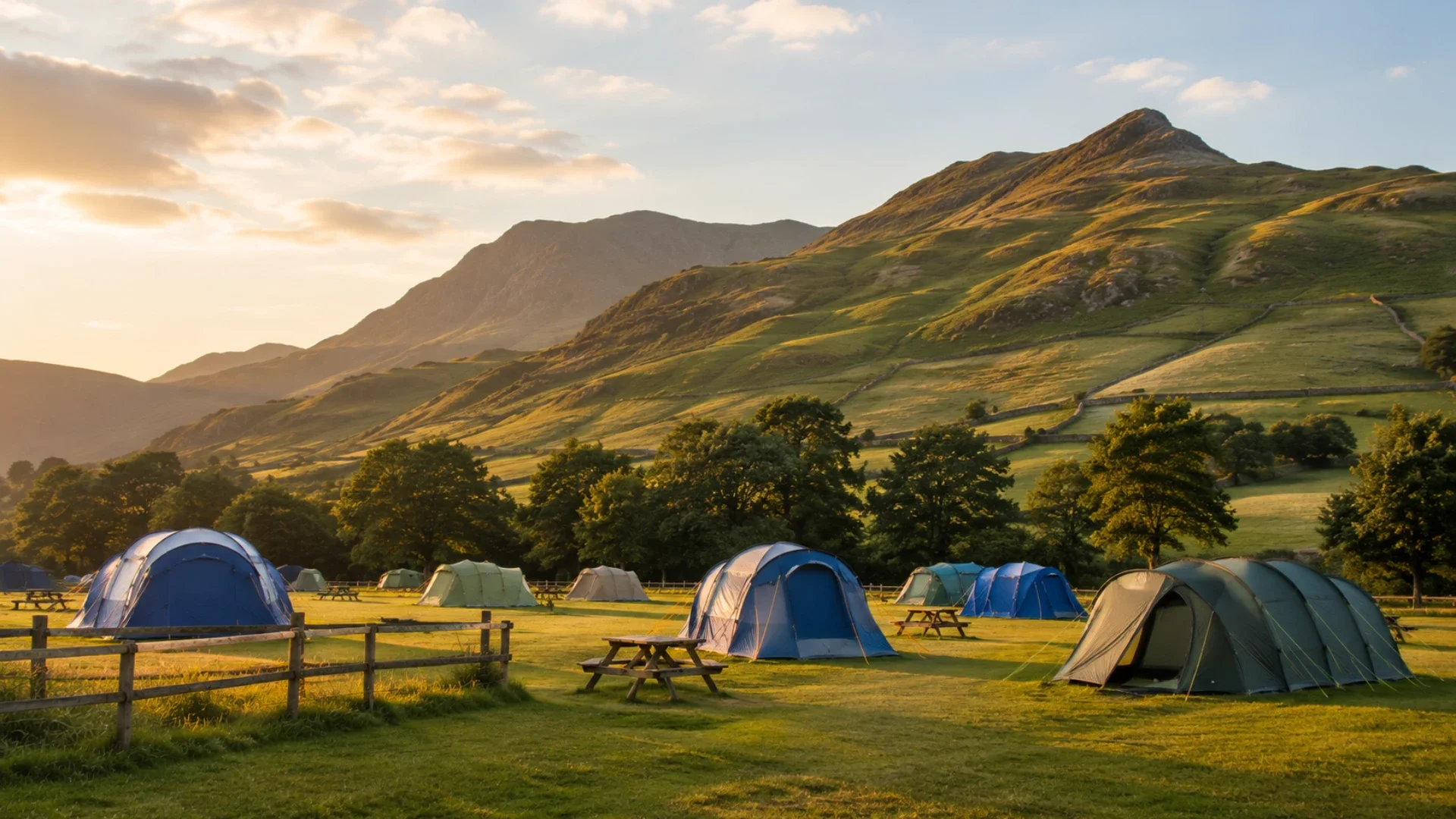
A beautiful sunset photograph is lovely—but it’s less helpful if guests still can’t tell whether they’ll be pitching beside a field, woodland or the toilet block.
Real photos help set expectations and build trust.
3. Clear Accommodation and Pitch Information
Make it easy for visitors to understand exactly what they can book.
For each option, explain:
What is included
How many people it sleeps
Whether dogs are welcome
Whether electricity is available
The pitch or accommodation size
Any important arrival information
If you offer several choices, give each one a clear name and description.
4. Facilities That Are Easy to Find
Facilities can make or break someone’s decision to book.
Clearly explain whether you provide things such as:
Toilets and showers
Electric hook-ups
Drinking water
Wi-Fi
Waste disposal
Washing-up areas
Fire pits
A shop or café
Accessible facilities
Don’t hide this information in a paragraph near the bottom of the page. Nobody wants to play detective to find out whether there’s a shower.
5. Prices and a Simple Booking Route
Visitors should understand how much their stay may cost and what they need to do next.
You could include:
Prices per night
Minimum-stay requirements
Seasonal differences
Charges for dogs or additional guests
Deposits and cancellation terms
Then give them one clear action:
Check Availability
or:
Book Your Stay
The booking button should be easy to spot throughout the website.
6. Your Location and the Local Area
Guests aren’t only booking a pitch.
They’re choosing the walks, views, villages, beaches and attractions surrounding it.
Include:
A map
Clear directions
Nearby landmarks
Local pubs and cafés
Walks and cycle routes
Family-friendly attractions
Shops for essential supplies
Be honest about the location too.
If the final half-mile involves a narrow country lane and three determined sheep, it’s better to mention that before someone arrives in a large motorhome.
7. Reviews From Previous Guests
Reviews help potential guests feel confident that your campsite is as welcoming as it looks.
Include a small selection of genuine comments about things such as:
The setting
Cleanliness
Facilities
Friendly owners
Peace and quiet
Nearby activities
A few detailed, believable reviews are more useful than a page full of vague praise.
“Lovely place, would return” is nice.
“Quiet pitches, spotless showers and a brilliant woodland walk from the gate” tells visitors far more.
8. Answers to Common Questions
A simple FAQ section can help visitors make a decision while saving you time.
You might answer:
Are dogs allowed?
Can guests light fires?
What time is check-in?
Is the site suitable for children?
Can campervans and motorhomes stay?
Is there phone signal or Wi-Fi?
What happens during bad weather?
Are group bookings accepted?
Think about the questions you answer repeatedly.
If you’ve typed the same reply 37 times this season, it probably deserves a place on the website.
9. Easy-to-Find Contact Details
Even with clear information, some visitors will still want to ask something.
Include:
A contact form
Your email address
A phone number, if appropriate
Your location
Links to your social pages
Keep the contact form short.
Final Thoughts
Your campsite website doesn’t need dozens of pages or complicated features.
It needs to help potential guests:
Picture their stay
Find the important details
Feel confident booking
Take the next step easily
Keep it welcoming, honest and straightforward.
The website should capture what makes your campsite special—without making visitors work hard to understand it.
Need a Hand With Your Website?
Building a website can feel overwhelming, especially when you’re busy running your business.
If you’d rather have someone take care of it for you, I’d love to help. At Roamwild Studio, I design thoughtful Squarespace websites that are easy to use and built around your business.
Every website also helps give something back, with 10% of each project donated to wildlife conservation charities.